
How it works
Set up in an afternoon. Run it from one login.
Five steps from signing up to taking bookings, shown on the real screens you get.
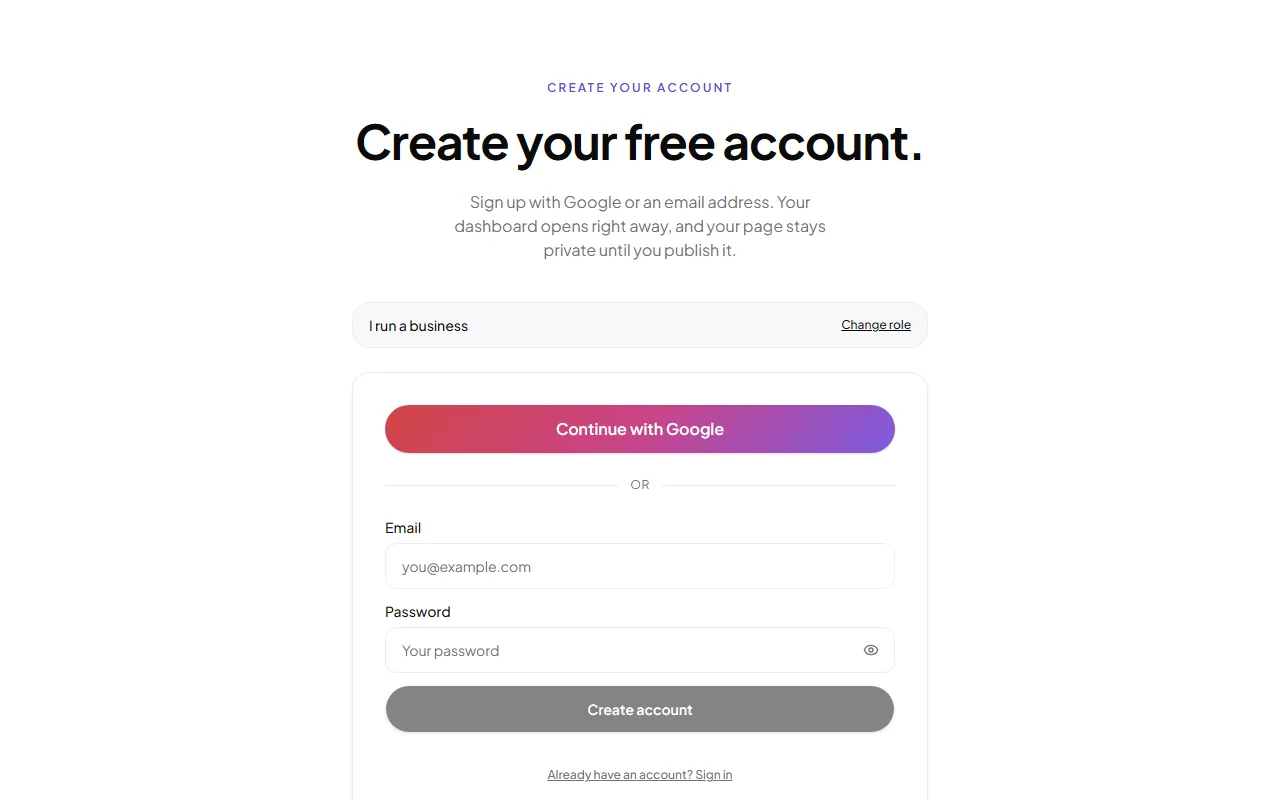
Create your account
Sign up with Google or an email address. Your dashboard opens immediately and stays private until you decide to publish.
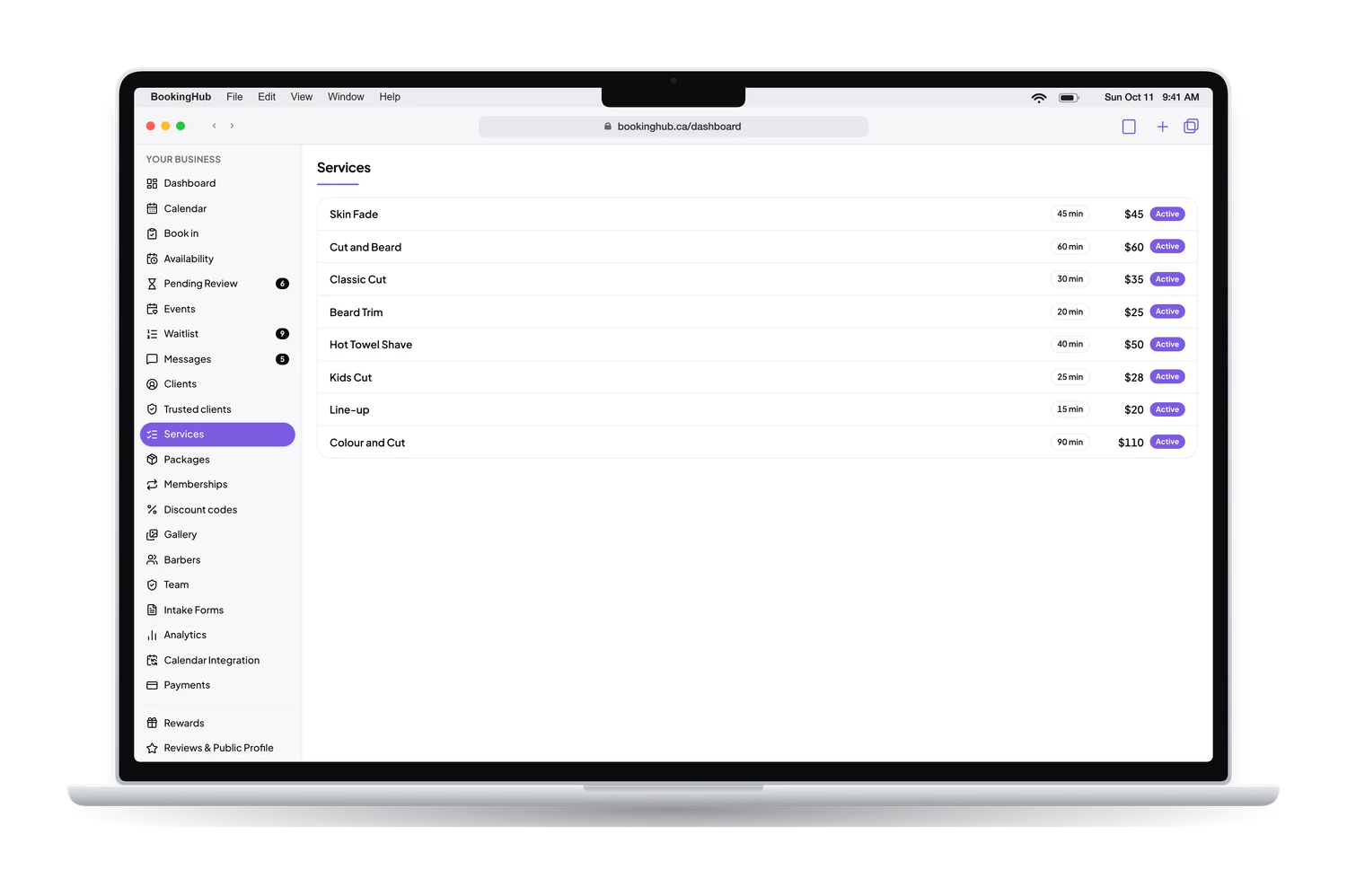
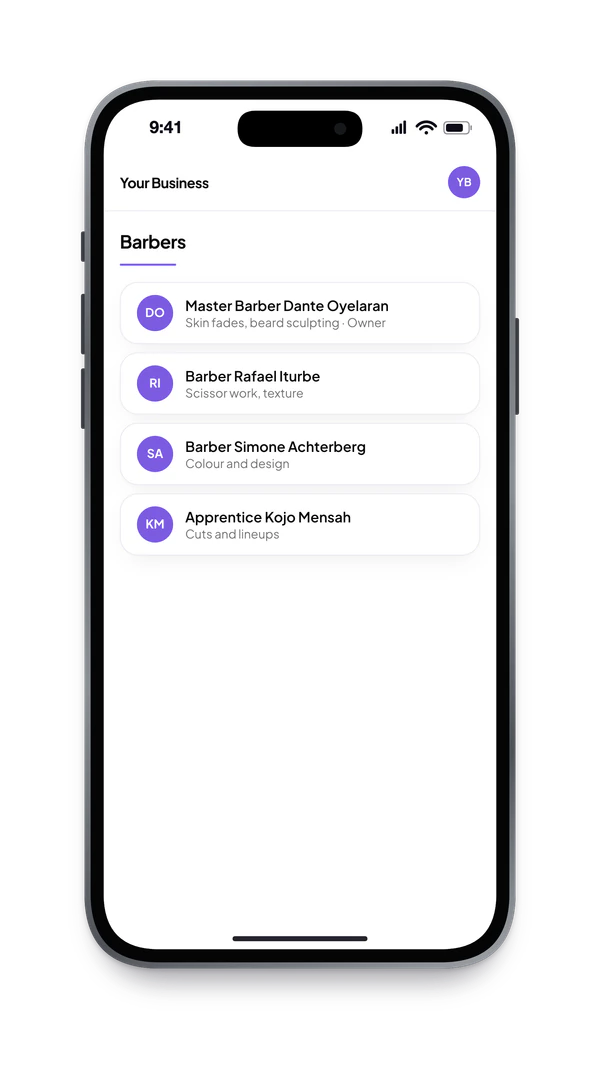
Set up your services and team
Add what you offer, how long it takes and what it costs. Invite your team; each person gets their own login and schedule.
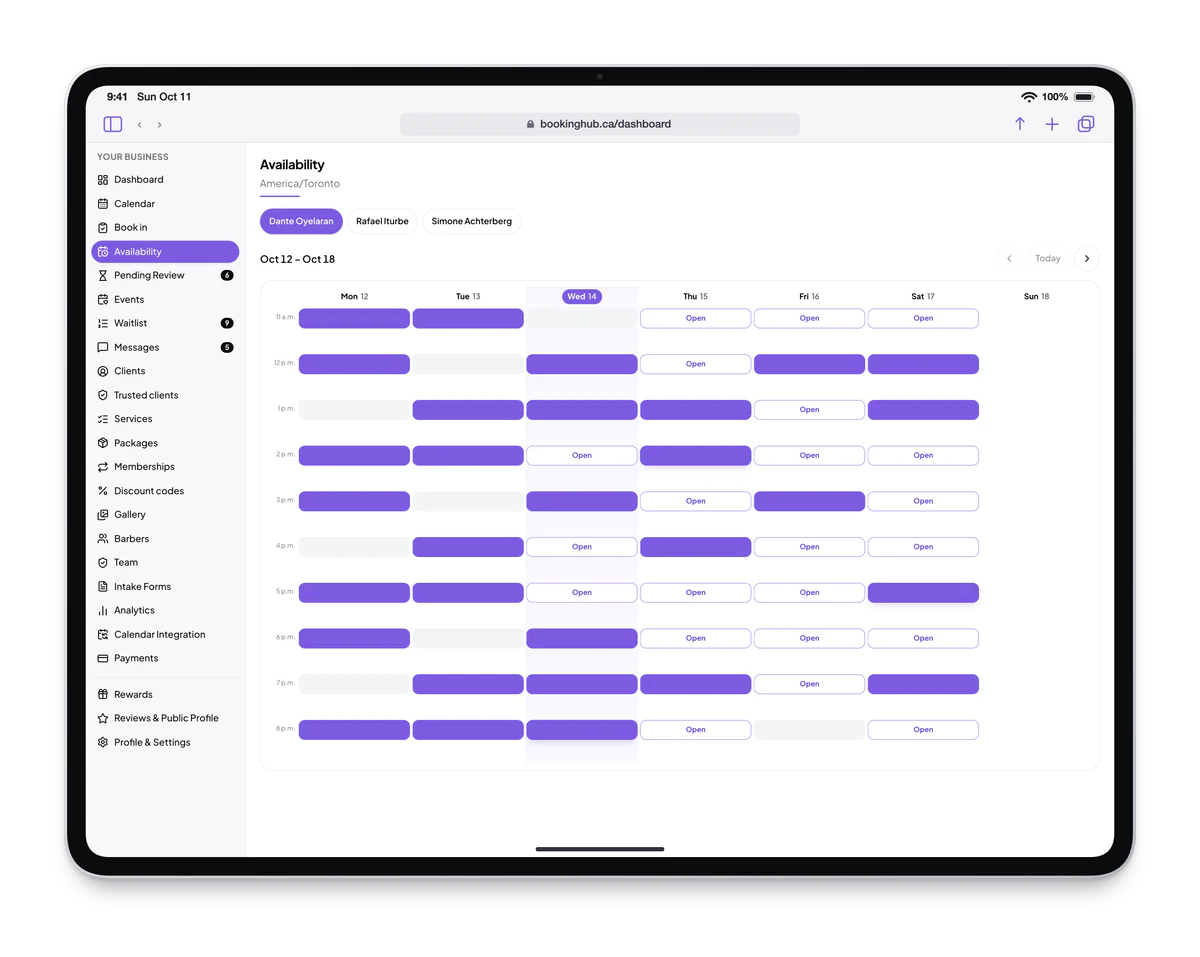
Open your availability
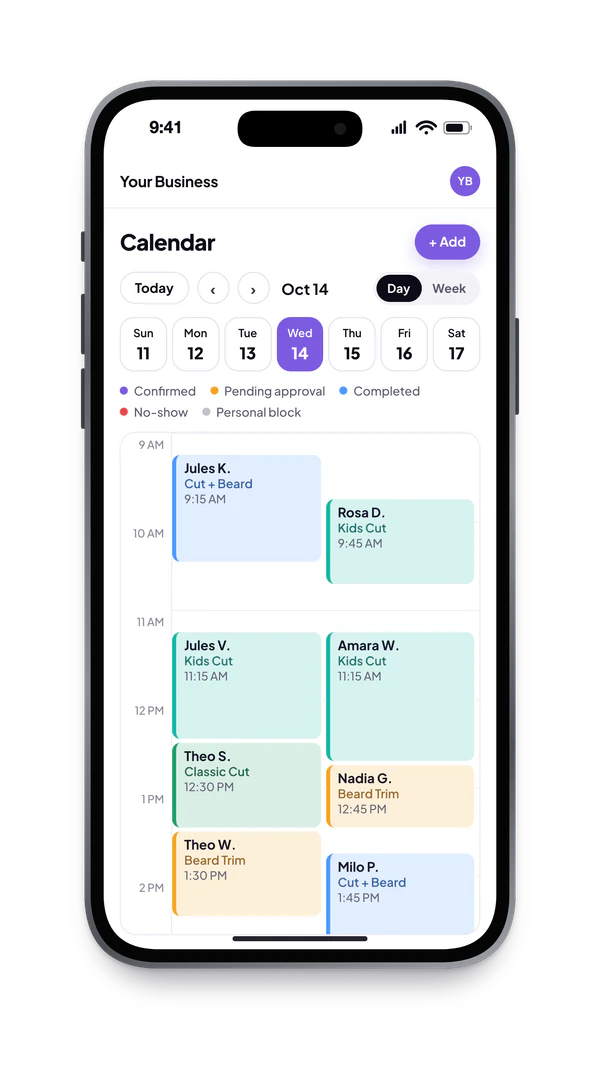
Set your hours once. Open or block any slot per team member, and let Google, Apple or Outlook Calendar close the times you are already busy.
Share your booking page
One link for your Instagram bio, your Google listing or a text. Clients sign in with Google in one tap, pick a time and confirm. Submit for listing when you are ready to go public.



Run the day from the dashboard
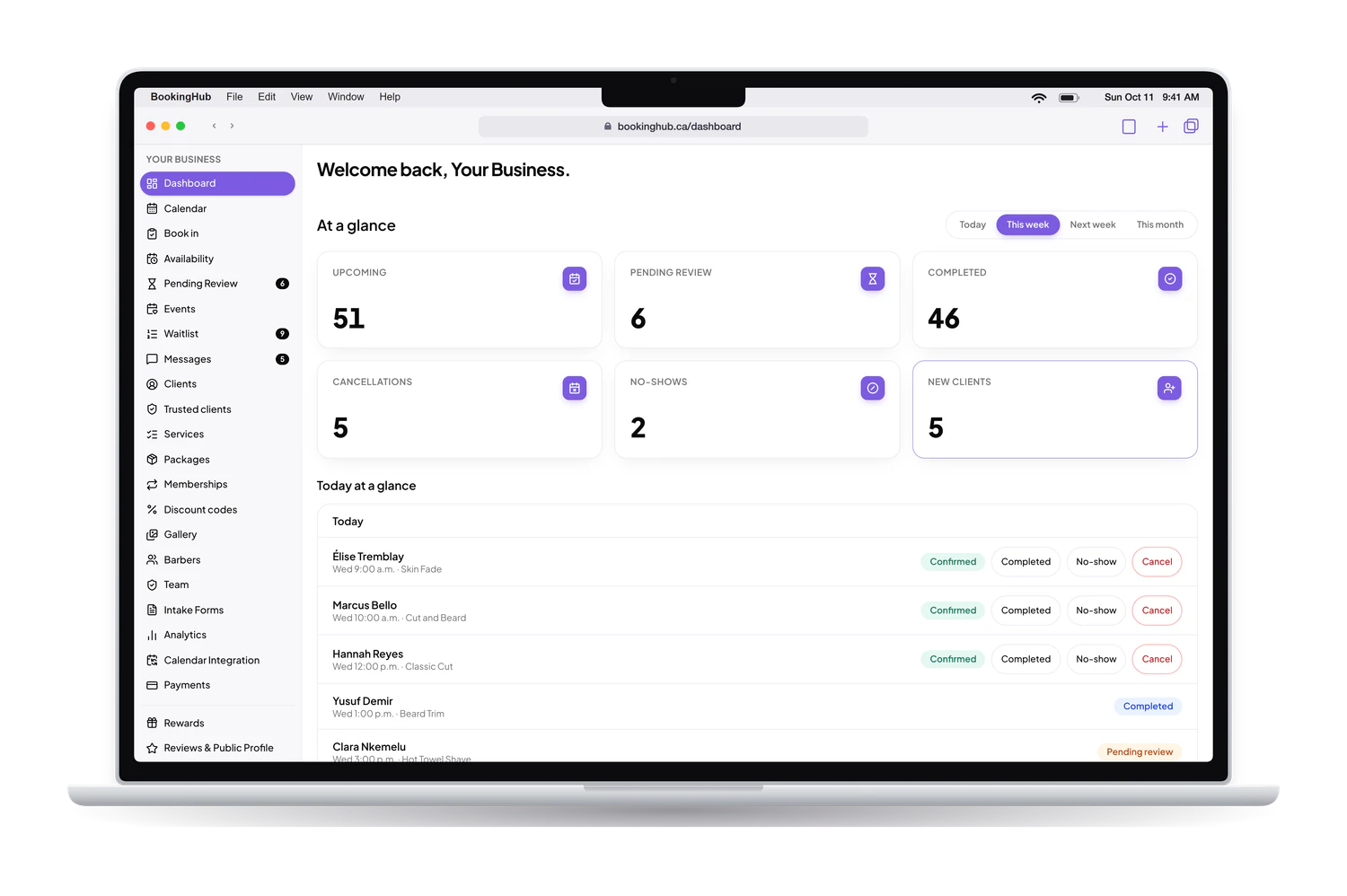
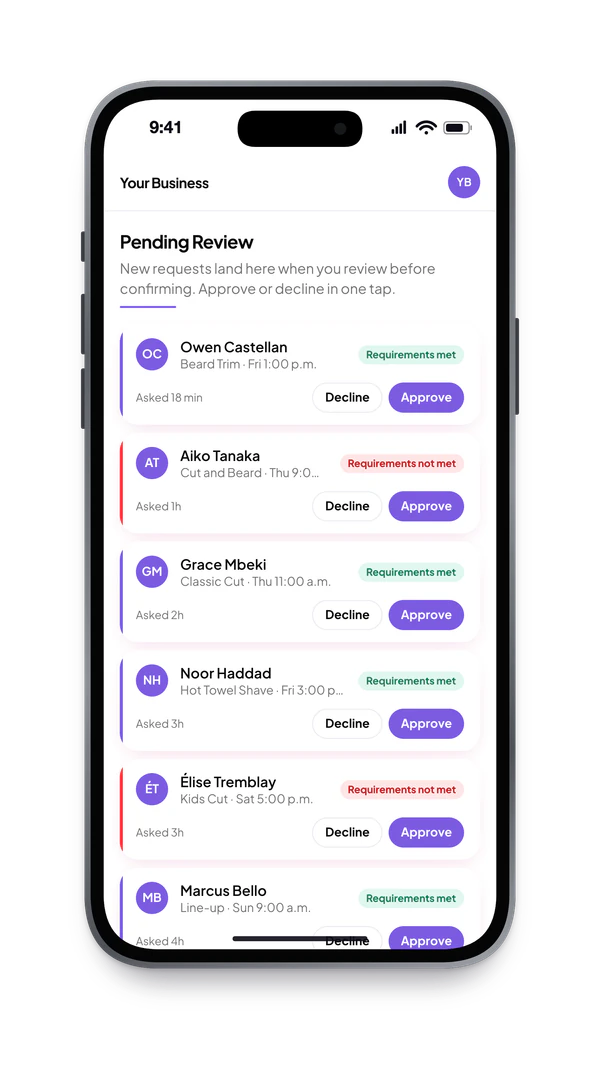
Approve requests, message clients, fill cancellations from the waitlist, take payments and watch the numbers, all from one place.
Simple pricing. Serious software.
Free during early access. No contract.
Individual
Free during early access
- 1 team member
- 150 bookings per month
- All core features
Professional
Free during early access
- 3 team members
- 600 bookings per month
- Messaging, waitlist and SMS
Business
Free during early access
- 10 team members
- 2,500 bookings per month
- Priority support
Ready to get started?
Free during early access. No contract. Your dashboard is ready the moment you sign up.