
Switching to BookingHub
Switching from Booksy to BookingHub
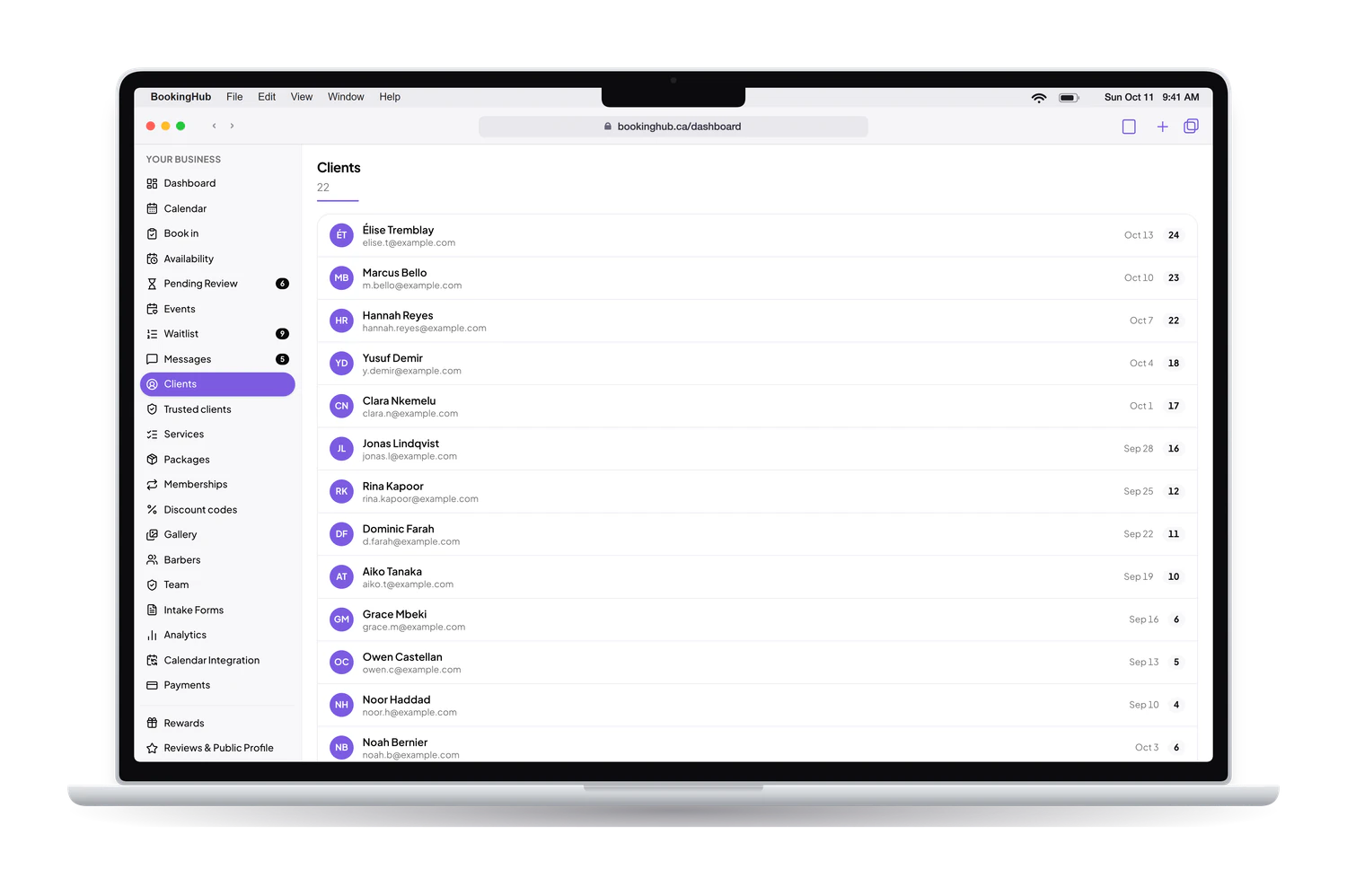
If your shop takes bookings through Booksy today, the move is mostly about your regulars: making sure they find the new link and still book the barber they always see. You set up each chair, bring your client list, keep walk-ins on the same calendar, and let both run until the bookings you already have are done.
The move
Three steps to move your bookings
Set up the shop
Add every service with its length and price, invite your barbers, and import your client list from a CSV file if Booksy lets you export one.
Run both side by side
Keep the appointments already booked where they are. Block those times in BookingHub, or connect a calendar that shows them, so no chair is booked twice.
Hand out the new link
Share your booking link on Instagram, on Google and by text, and mention it at the chair. When the last old booking is done, everything runs from BookingHub.
Switching to BookingHub
What your regulars will notice, and what they will not
They still book their own barber
Each barber has their own calendar, hours and services. A client picks the service, then the barber who offers it or no preference, then a time. Regulars go straight to the person they trust, and a new client can take whichever chair is open first. Nobody has to call the shop to find out.
Walk-ins land on the same calendar
Book in is the front-desk screen for walk-ins and phone bookings. Pick the service and the barber and it is booked in a few clicks, even with a phone number alone. Online bookings and the ones made at the counter sit on one calendar, so the day on screen matches the shop.
A reason to keep booking with you
Turn on rewards and clients earn points for each appointment, with a reward when they reach the threshold you set. They see their points in their account next to their upcoming cuts. It gives a regular one more reason to book the next visit through your new link.
For your regulars, the link is the whole switch. Put it in your Instagram bio and on Google, and text it to the clients who come in every few weeks, so their next cut is already on the new calendar.
Questions
Questions about switching
How long does moving the shop take?
Setup depends on how many barbers and services you have: each service needs a length and a price, each barber their hours. The overlap is set by your existing bookings. It ends when the last appointment already booked in Booksy has been cut, and new bookings move over as soon as you share the link.
What about clients already booked in Booksy?
They keep their appointment and you serve them as planned. Nothing needs to be moved. To stop BookingHub offering the same chair, block those times on the barber's calendar or connect a calendar that shows them. Their next booking can go through your new link.
Will my clients have to make an account?
Booking stays quick. A client picks the service, the barber and the time, fills in the form, and signs in with Google or an email link at the end to confirm. There is no app to download, and the account then shows their upcoming cuts and their points.
Can I keep Booksy running while I switch?
Yes, an overlap is normal. What matters is that one chair is never booked twice. If Booksy can send your schedule to Google, Apple or Outlook, or give you an .ics link, connect it to BookingHub and those times are blocked. If not, block them by hand on each barber's calendar.
What does BookingHub cost?
Free during early access. Deposits are optional. If you take one at booking, the client pays by card into your own Stripe account. BookingHub keeps 1% of each online payment and Stripe charges its own processing fees. Nothing else is added on top.
Set up your booking page
Add your services, hours and team, import your clients, and share your link when everything is ready. Free during early access.