
Switching to BookingHub
Switching from Fresha to BookingHub
If your salon books through Fresha today, moving does not mean starting from zero or closing the book for a day. You bring your client list, set up each stylist with their own hours and services, and keep both running until the appointments already booked are done. Then your new link takes over.
The move
Three steps to move your bookings
Bring your clients and services
Export your client list as a CSV file if Fresha lets you, and import it. Add each service with its length and price, then invite your stylists.
Connect calendars and run both
Connect Google, Apple or Outlook so busy times block your BookingHub slots. Existing appointments stay where they are while new ones come in through BookingHub.
Share your new link
Put your booking link in your Instagram bio, on Google and on your website, and text it to your regulars. When the last old appointment is done, the move is complete.
Switching to BookingHub
What comes with you, and what you set up once
Your clients come with you
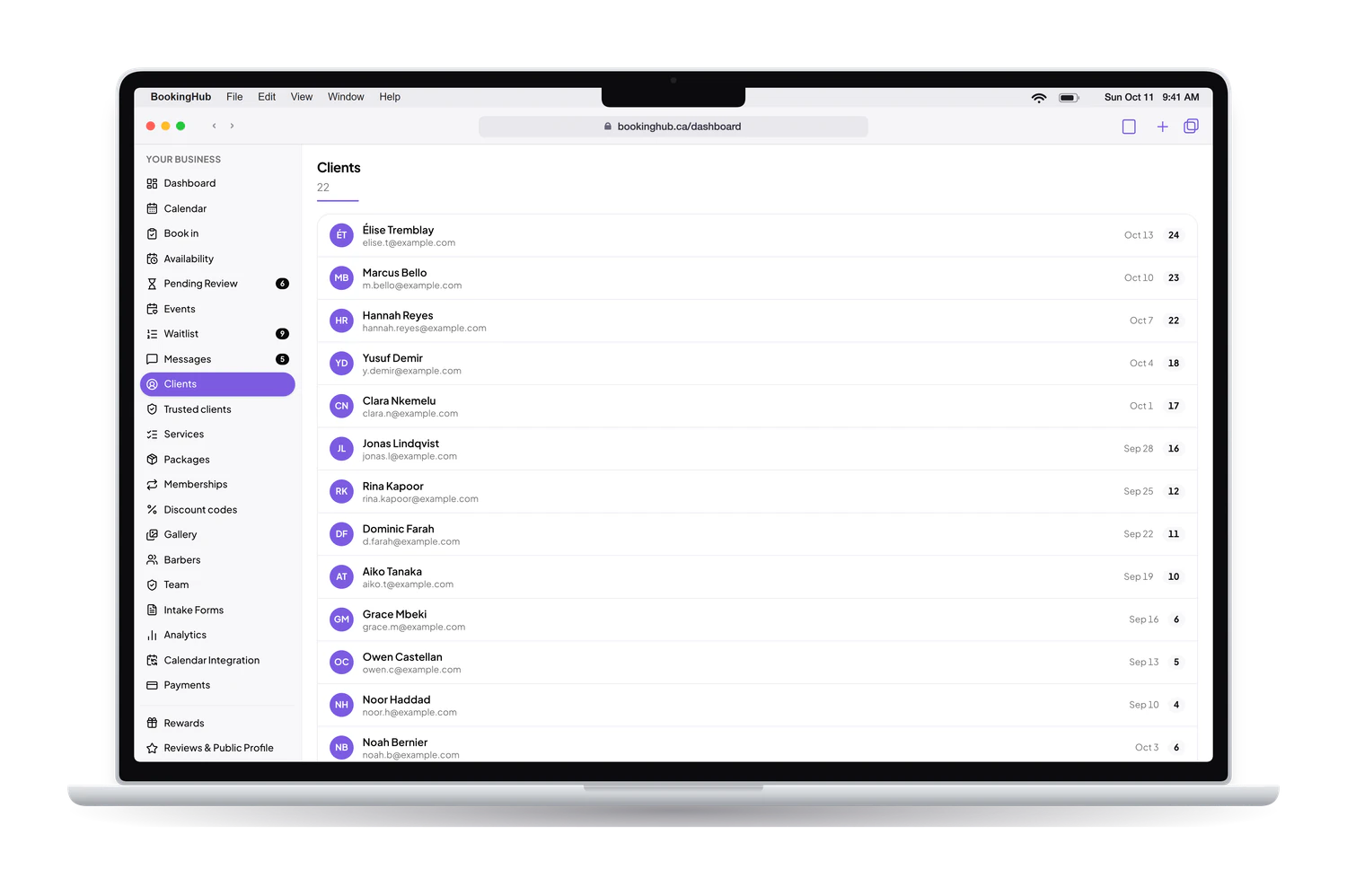
If Fresha lets you export your client list, save it as a CSV file and import it into BookingHub's clients list. From there each client builds a history with you: past and upcoming appointments, totals, and private notes your team can read before a colour or a cut.
Every stylist gets their own calendar
Invite your team with a role each: owner, manager, team member or viewer. Every stylist sets their own hours and the services they offer, so a client choosing a balayage only sees the people who do it. Buffer time between appointments leaves a few minutes to reset the chair.
Deposits and reminders on long services
A three-hour colour is the appointment you least want to lose. Take a deposit when the client books, through your own Stripe account, and let the email and text reminders go out the day before and an hour before. BookingHub keeps 1% of each online payment; Stripe charges its own fees.
Write down your services before you start: each name, its length and its price, or a price range when it depends on hair length. That list is most of the setup, and your calendar is only as accurate as it is.
Questions
Questions about switching
How long does the switch take?
It depends on how many services and stylists you have. Setup means entering services with their lengths and prices, inviting your team, importing clients and connecting calendars. The overlap lasts until the last appointment already booked in Fresha has passed, which follows how far ahead your clients usually book.
What happens to appointments already booked in Fresha?
Leave them where they are and serve those clients as planned. To keep one view of the day, block those times on your BookingHub availability grid, or connect a calendar that shows them, so nobody books over them. New bookings go through your BookingHub link from the day you share it.
Do my clients need a new account?
Clients do not download anything. The first time they book with you on BookingHub, they fill in the form and sign in with Google or an email link as the last step. From then on their account shows their appointments with you, their messages, and any points they earn.
Can I run Fresha and BookingHub at the same time?
Yes, and for a while you should. If Fresha can publish your schedule to Google, Apple or Outlook, or as an .ics link, connect that calendar to BookingHub and those busy times block your slots. If it cannot, block the booked times by hand so a chair is never booked twice.
What does BookingHub cost?
Free during early access. Taking a deposit online is optional. If you do, the client pays by card into your own Stripe account. BookingHub keeps 1% of each online payment and Stripe charges its own processing fees. Nothing else is added.
Set up your booking page
Add your services, hours and team, import your clients, and share your link when everything is ready. Free during early access.