
Switching to BookingHub
Switching from Vagaro to BookingHub
If you run your salon, spa or studio on Vagaro today, you probably book more than one kind of thing: treatments with a set length, classes with a set number of spots, maybe a package or a membership. BookingHub handles each of those per service, so the move is about rebuilding your menu once and bringing your clients with you.
The move
Three steps to move your bookings
Rebuild your menu
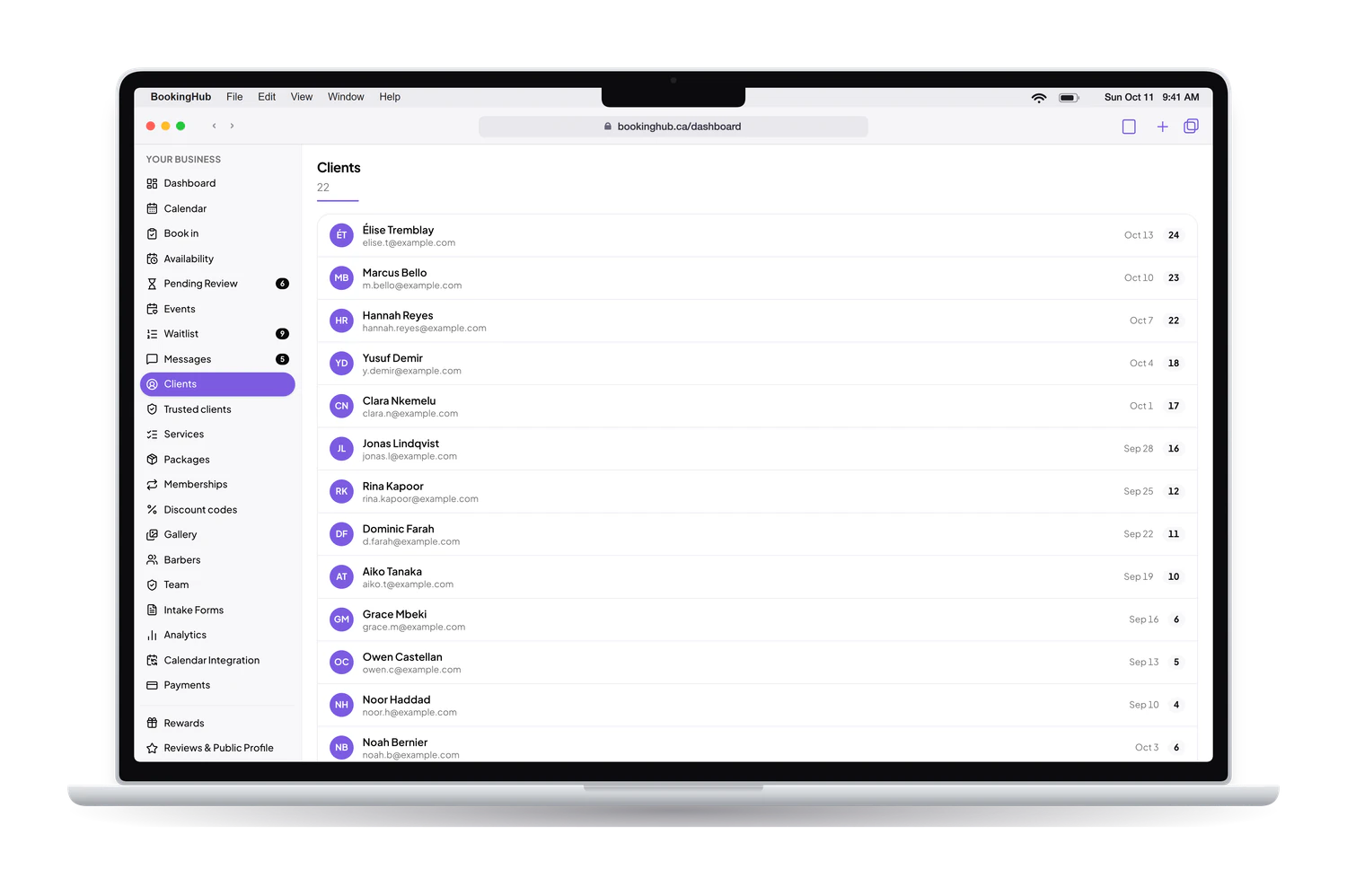
Add treatments with lengths, prices and buffers, classes with their capacity, and any packages or memberships. Import your client list from a CSV file if Vagaro lets you export it.
Bring the team and calendars
Invite your team with their roles and hours. Connect Google, Apple or Outlook so busy times block BookingHub while bookings still live in two places.
Move new bookings over
Share your new link on Instagram, on Google and on your website. Leave existing appointments and class spots where they are until they are done.
Switching to BookingHub
One menu, several ways to book
Treatments and classes side by side
A facial is a time slot with its own length and buffer. A yoga class is a fixed session with a capacity, for example 12 spots every Monday at 6 pm, booked until full. Both live in the same account and on the same public page, so clients book either one from one link.
Packages, memberships and points
Sell packages of prepaid sessions, memberships and discount codes, with payments going to your own Stripe account. Turn on rewards to give points per appointment and a reward at the threshold you choose. Clients see the points they have earned at each business in their account.
The right access for each person
Invite your team as owner, manager, team member or viewer. Each person keeps their own calendar, hours and services, and the front desk books walk-ins and phone calls from one screen. If you run more than one business, you switch between them under a single login.
Start with the services clients book most, then add classes and packages. If a treatment needs a consultation form, build it once and attach it to that service, so the answers are on the booking before the client walks in.
Questions
Questions about switching
How long does the switch from Vagaro take?
It depends on the size of your menu and team. Each treatment needs a length and a price, each class a schedule and a capacity, each package its number of sessions. Once that is in, sharing the link is quick, and the overlap ends when the appointments and classes already booked in Vagaro are behind you.
What happens to bookings already made in Vagaro?
They stay where they are, and your clients come in as planned. While both run, block those times in BookingHub or connect a calendar that shows them, so a therapist or an instructor is not booked twice. New appointments and class spots go through BookingHub.
What about my clients' accounts and prepaid sessions?
Clients create their BookingHub account the first time they book, by signing in with Google or an email link at the end of the form. Sessions left on a package can come with them: the client CSV you import can carry each client's remaining credits, which services they cover and when they expire, recorded without charging anyone.
Can I run Vagaro and BookingHub at once?
Yes, for as long as the overlap needs. If Vagaro can share your schedule with Google, Apple or Outlook, or as an .ics link, connect that calendar so those busy times block BookingHub. For classes, pick a date from which spots are only booked in BookingHub, so a class is never filled from two places.
What does BookingHub cost?
Free during early access. When clients pay online for an appointment, a package or a membership, the money goes to your own Stripe account. BookingHub keeps 1% of each online payment and Stripe charges its own processing fees. Nothing else is charged.
Set up your booking page
Add your services, hours and team, import your clients, and share your link when everything is ready. Free during early access.