
Switching to BookingHub
Switching from Mindbody to BookingHub
If your studio or gym runs its schedule on Mindbody today, the timetable is what matters most: classes that fill, instructors who teach them, and members who come back every week. Moving to BookingHub means rebuilding that timetable once, setting up how people pay, and keeping classes running while you switch over.
The move
Three steps to move your bookings
Rebuild the timetable
Add each class with its day, time and capacity, your personal training services, and your packages and memberships. Then invite your instructors.
Bring your members
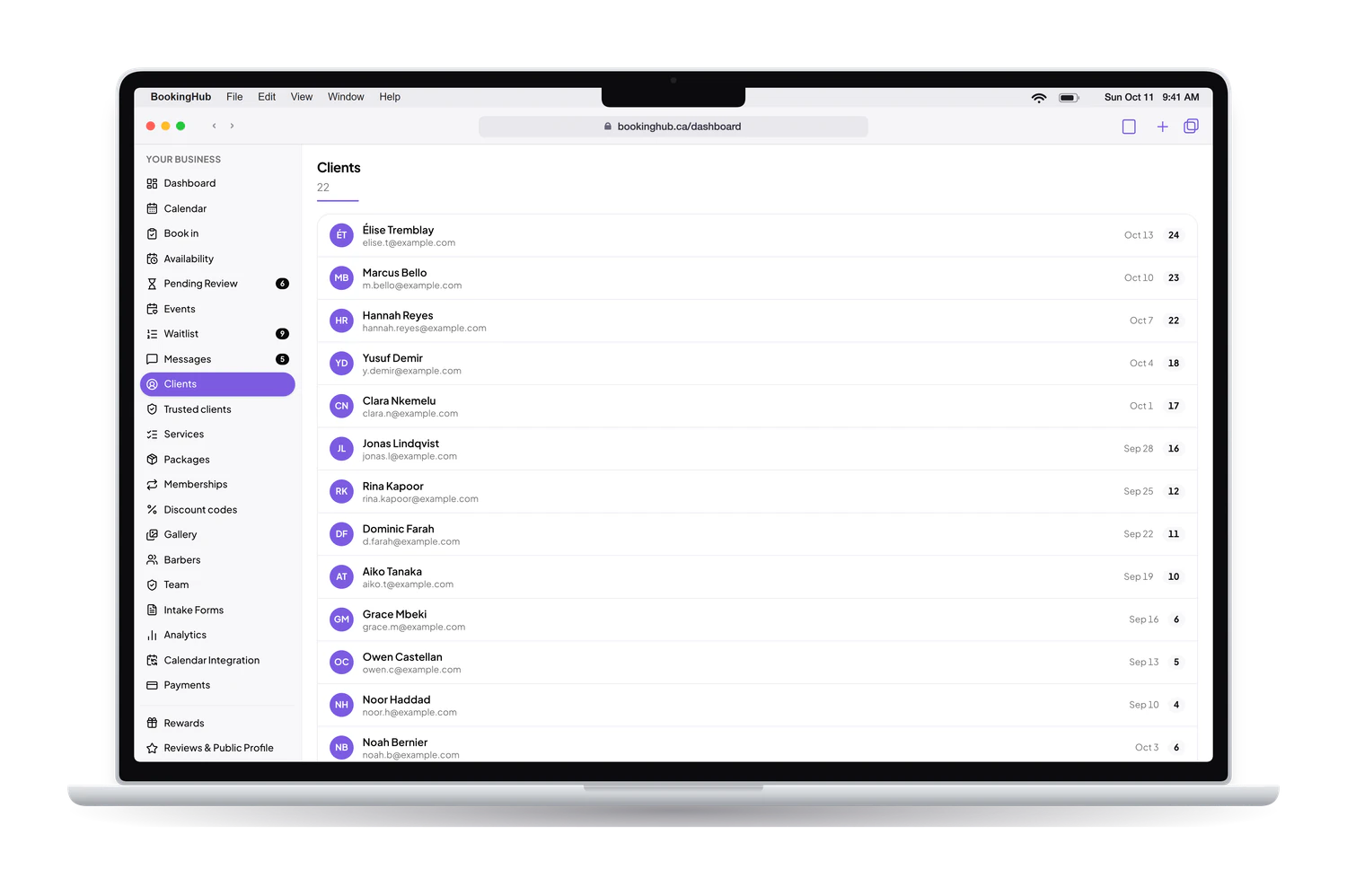
Import your client list from a CSV file if Mindbody lets you export it. Connect your calendars so busy times block BookingHub during the overlap.
Open the new schedule
Share your booking link at the front desk, on Instagram and on your website. Classes already booked stay where they are until they have run.
Switching to BookingHub
Your timetable, rebuilt once
Classes that book until they are full
Set each class as a fixed session with a capacity, for example 12 spots every Monday at 6 pm. Members book a spot until the class is full, and you see who is coming. Personal training and assessments sit next to the classes as regular time slots, each with its own length and price.
Packages, memberships and codes
Sell packages of prepaid sessions and memberships, and create discount codes for an intro offer or a referral. Payments go to your own Stripe account. BookingHub keeps 1% of each online payment and Stripe charges its own fees. Members buy and book from the same link.
Each instructor has their own week
Invite instructors as team members, each with their own calendar, hours and the classes they teach. A class repeats on its weekly schedule, so you set it once instead of every week. Block off dates for holidays, and the week view shows every instructor's calendar side by side.
Before you start, write out your timetable: each class, its day and time, its length, its capacity and who teaches it. Do the same for packages and memberships, so you can recreate them with the names your members already know.
Questions
Questions about switching
How long does moving the studio take?
Most of the work is the timetable: each class with its schedule and capacity, plus your packages and memberships. Once those are in, opening the new schedule is a matter of sharing the link. The overlap lasts until the classes and sessions already booked in Mindbody have taken place.
What happens to class bookings already made?
Members keep their spot and the class runs as planned. Pick a date from which classes are booked only in BookingHub, and tell members ahead of time so they book the next ones through your new link. For one-on-one sessions already booked, block those times on the instructor's calendar.
Do members need a new account?
Members sign in with Google or an email link the first time they book a class on BookingHub, with nothing to download. Remaining class credits and active memberships can come over in the client CSV you import, with their renewal dates, and nothing is charged when they are imported.
Can I run Mindbody and BookingHub at the same time?
For a while, yes. Taking class bookings in two places makes it easy to overfill a class, so it is simpler to move classes on a set date and let one-on-one sessions overlap longer. If Mindbody can share your schedule with Google, Apple or Outlook, or as an .ics link, connect it so those times are blocked.
What does BookingHub cost?
Free during early access. When members pay online for a class, a package or a membership, the money goes to your own Stripe account. BookingHub keeps 1% of each online payment and Stripe charges its own processing fees, with nothing else on top.
Set up your booking page
Add your services, hours and team, import your clients, and share your link when everything is ready. Free during early access.