
Switching to BookingHub
Switching from Jane to BookingHub
If your clinic books through Jane today, the move is about more than open times. Each service may need its intake form, new patients may need approval, and every practitioner keeps their own schedule. BookingHub lets you rebuild those once, bring your patient list, and run both until the appointments already booked have been seen.
The move
Three steps to move your bookings
Rebuild services and forms
Add each service with its length and price, build or pick its intake form, and import your patient list from a CSV file if Jane lets you export it.
Set up your practitioners
Invite each practitioner with a role, their own hours and services. Connect Google, Apple or Outlook so busy times block BookingHub during the overlap.
Open new bookings
Share your booking link on Google and on your website, or paste the Book now button there. Appointments already booked stay where they are until they have been seen.
Switching to BookingHub
What a clinic sets up once
Intake forms attached to the service
Build your own forms with short and long answers, multiple choice, checkboxes, yes or no, numbers and dates, or start from a ready-made template. Attach a form to a service and require the answers you need. The responses are on the booking, so the practitioner reads them before the patient arrives.
Approve new patients, let regulars book
Choose whether bookings are confirmed instantly, every request is approved, or only new clients need approval. Trusted clients can skip it. Set a cancellation cutoff, for example no changes within 24 hours, and patients can cancel or reschedule from their account until then.
Notes, messages and virtual visits
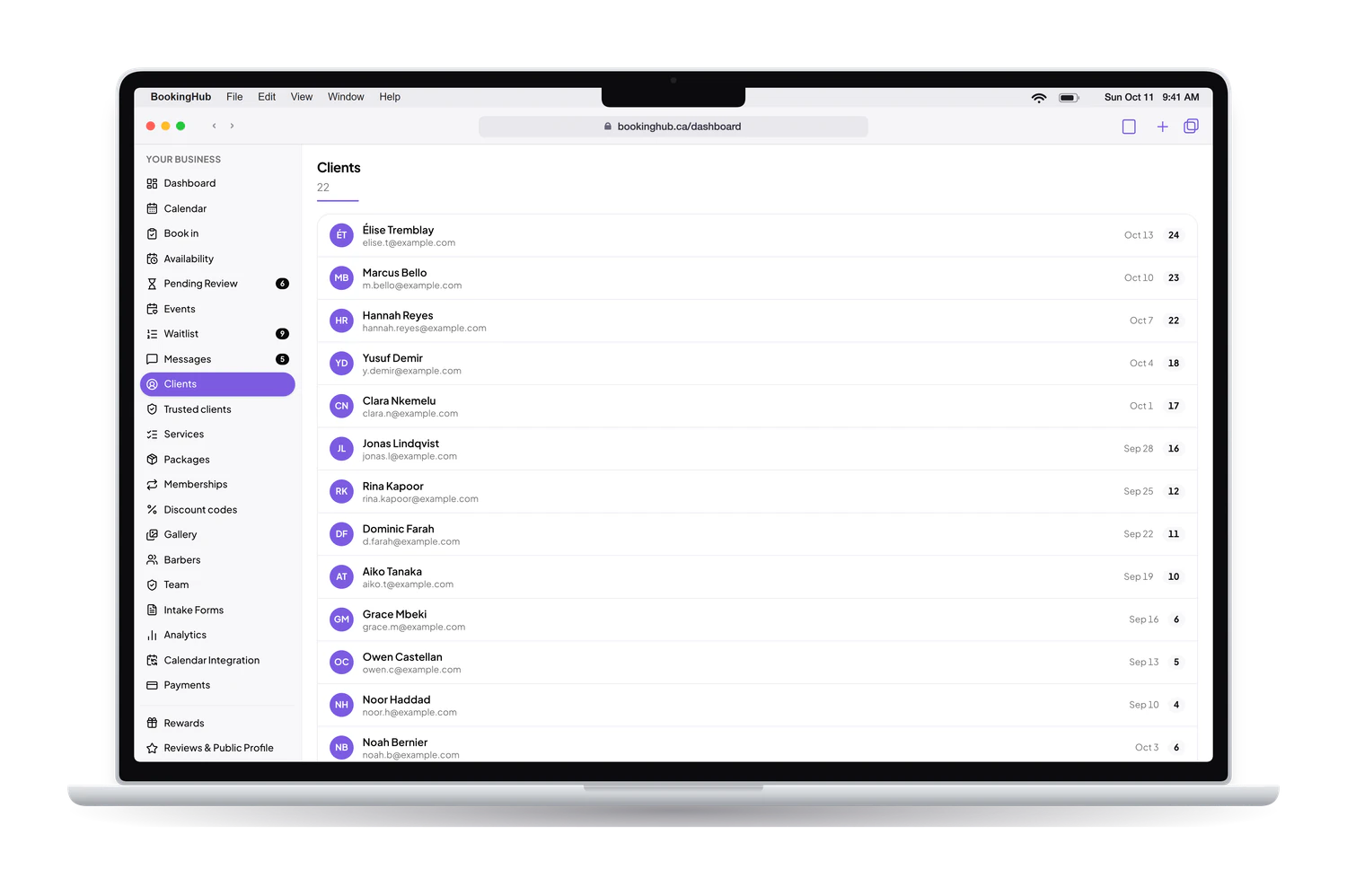
Each patient's record in your clients list keeps their history, totals and private notes. Messages with patients stay inside BookingHub rather than on personal phones. For a virtual service, a connected Google Calendar creates the Google Meet link automatically, and the event lands in both calendars.
Before you switch, list every service with its length and price, note which ones need an intake form, and decide your approval setting. Those three choices shape what a patient sees the first time they book with you on BookingHub.
Questions
Questions about switching
How long does the move from Jane take?
Setup depends on how many practitioners, services and forms you have. Forms take the most thought, since each one needs its questions and the answers you require. The overlap ends when the last appointment already booked in Jane has taken place, which follows how far ahead your patients book.
What happens to appointments already booked in Jane?
Patients keep them and are seen as planned. On BookingHub, block those times on each practitioner's calendar or connect a calendar that shows them, so no new booking lands on top of one. Past clinical notes are not imported into BookingHub, so keep them wherever your clinic keeps its records.
Do patients need to create an account?
Patients fill in the booking form, including any intake questions, then sign in with Google or an email link to confirm. Nothing to download. Their account shows upcoming and past appointments with your clinic, lets them message you, and lets them cancel or reschedule within your cutoff.
Can we run Jane and BookingHub side by side?
Yes, until the appointments already booked have been seen. If Jane can share your schedule with Google, Apple or Outlook, or as an .ics link, connect that calendar so those busy times block BookingHub. If not, block the booked times by hand on each practitioner's calendar.
What does BookingHub cost?
Free during early access. If you take a deposit or a payment by card when a patient books, it goes to your own Stripe account. BookingHub keeps 1% of each online payment and Stripe charges its own processing fees. Payments taken at the clinic are not charged by BookingHub.
Set up your booking page
Add your services, hours and team, import your clients, and share your link when everything is ready. Free during early access.