
Switching to BookingHub
Switching from Square Appointments to BookingHub
If you book appointments through Square Appointments today, you might run a shop, a studio, or a service you take to the client's door. Moving to BookingHub means setting up your services and hours once, bringing your client list, and choosing how each service gets booked. Appointments already on the books stay where they are until they are done.
The move
Three steps to move your bookings
Recreate services and hours
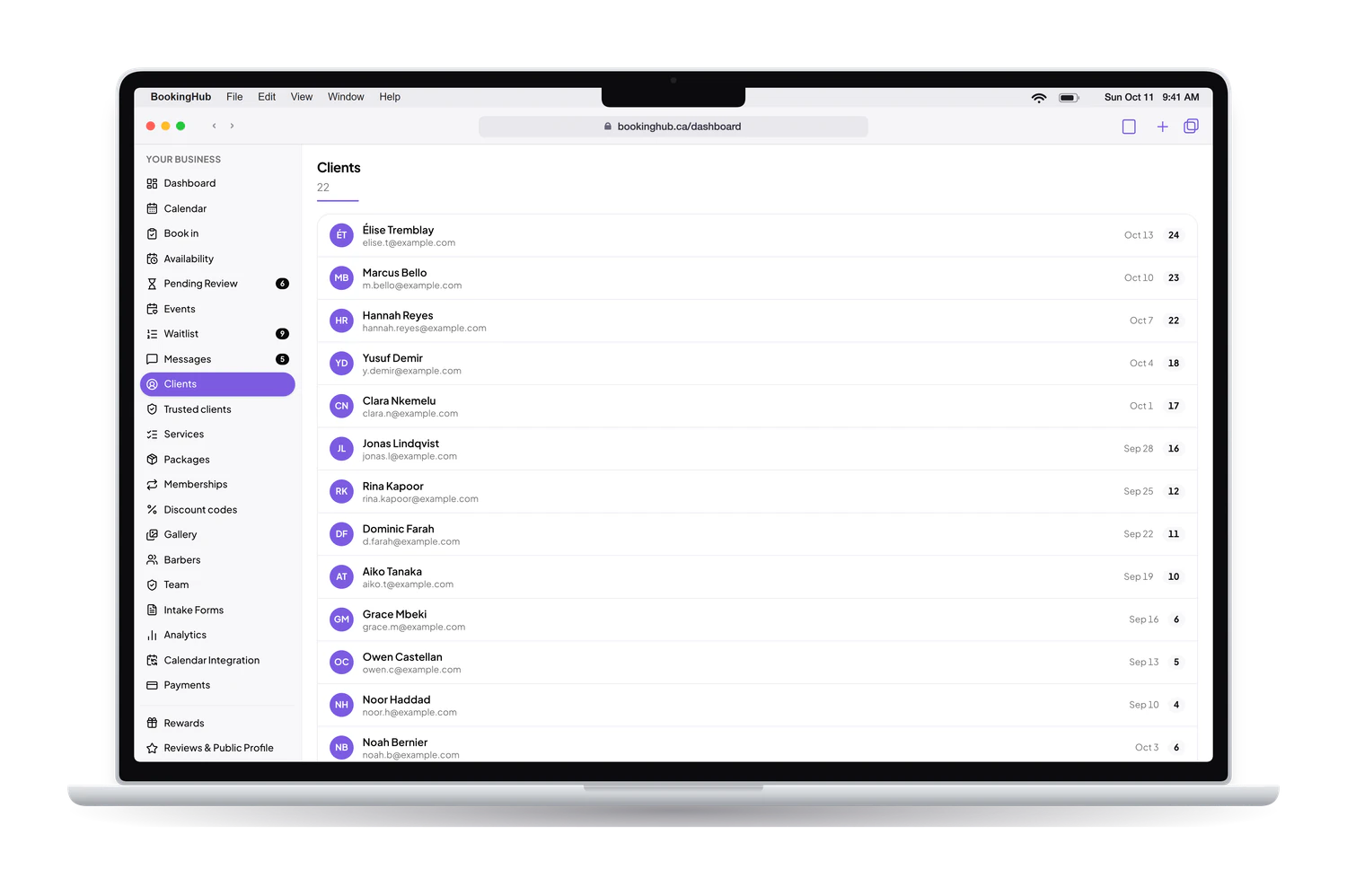
List each service with its length and price, set your business hours, and import your client list from a CSV file if Square Appointments lets you export it.
Connect your calendar
Connect Google, Apple or Outlook, or any calendar by its .ics link, so busy times block BookingHub. Keep serving the appointments already on your books.
Switch your links
Add the Book now button to your website, update the booking link on Google and on your social pages, and send it to the clients who book with you often.
Switching to BookingHub
Booking that fits the way you work
Not every job is a fixed time slot
Some services suit a classic time slot. Others work better as a request: the client asks for a day and a morning or afternoon window, and you confirm the exact time once your day is planned. You choose per service, and a price can be fixed, a range, or contact for pricing.
Payments go to your own Stripe account
Take payment or a deposit by card when the client books, and the money lands in your own Stripe account. BookingHub keeps 1% of each online payment and Stripe charges its own processing fees. If you sell packages of sessions, memberships or discount codes, you can set those up too.
Your website and your page, one booking flow
Your public page shows your services with prices, your hours, your location or the area you serve, and a link to your reviews elsewhere. Paste the Book now button on your own website and clients book from there. You pick the colour theme and the order of the sections.
Before you start, gather what you will enter: each service with its length and price, the hours you take bookings, and the questions you ask on the phone today, like the address or the details of the job.
Questions
Questions about switching
How long does it take to move?
The setup is the part you control: services with their lengths and prices, your hours, any team members, intake questions and a connected calendar. After that the overlap runs on its own. It lasts until the appointments already booked in Square Appointments have passed, while every new booking comes through BookingHub.
What happens to appointments already booked?
Nothing changes for those clients. You keep them where they were booked and do the work as planned. On BookingHub, block those times or connect a calendar that shows them, so a new client cannot take a time you have already promised. From the switch on, new bookings arrive in BookingHub.
Do clients need to set anything up?
There is no app to install. On your booking page a client picks the service and the time, answers your intake questions, and signs in with Google or an email link to confirm. Their account then holds their upcoming and past appointments with you, and your messages.
Can I use both while I switch?
Yes. Run them side by side until the old bookings are done. If Square Appointments can sync your schedule to Google, Apple or Outlook, or share it as an .ics link, connect that calendar to BookingHub so those busy times are blocked. Otherwise, block the booked times by hand.
What does BookingHub cost?
Free during early access. Card payments and deposits taken online go to your own Stripe account. BookingHub keeps 1% of each online payment and Stripe charges its own processing fees. Payments you take in person are not charged by BookingHub.
Set up your booking page
Add your services, hours and team, import your clients, and share your link when everything is ready. Free during early access.