
Feature
Appointment reminders by email and text
Most missed appointments are not rude, they are forgotten. A booking made three weeks ago slips under everything else, and the client remembers an hour too late. BookingHub confirms every booking by email and text, then reminds the client the day before and again an hour before, so the appointment is on their mind when it counts.
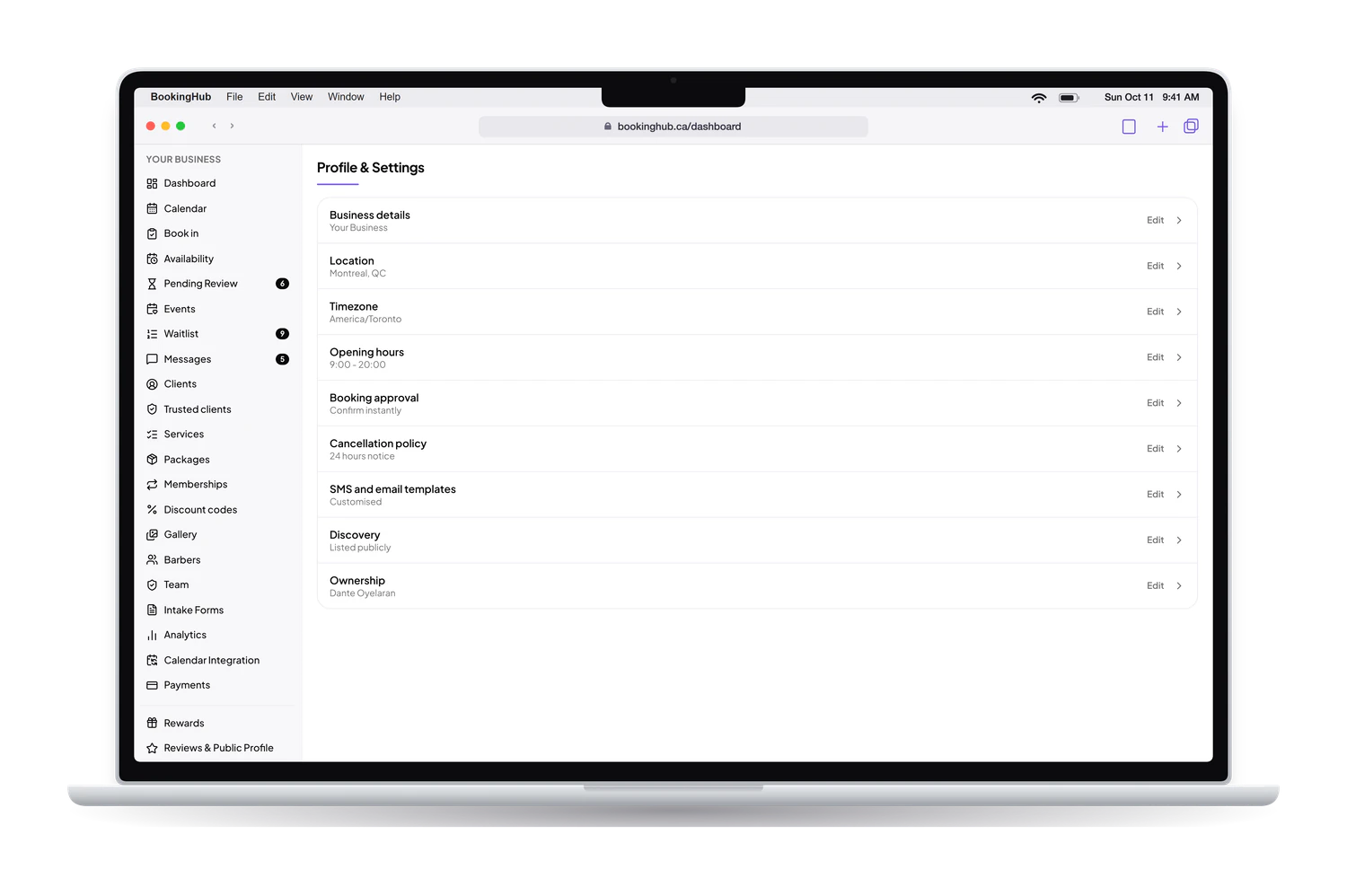
Appointment reminders
What it fixes
Clients who forget
Calling each client the day before takes an hour nobody has, so it gets skipped on busy weeks, which are exactly the weeks it matters. Reminders go out on their own, by email and by text, the day before and again an hour before, for every booking on your calendar.
Clients who cannot come and do not say so
A client who knows they cannot make it often stays quiet because cancelling feels awkward. The reminder is the nudge, and their account is the way out: they cancel or reschedule there, within your cutoff, and the time opens up again instead of sitting empty while you wait.
Messages that do not sound like you
Generic messages read like they came from a system. You can rewrite the text messages in your own words and add your own message to the confirmation email: parking, what to bring, which door to use. The client hears from your business, not from a template.
Reminders do the most good next to the rest of your setup: a cancellation cutoff that leaves time to rebook, a waitlist that offers the slot again, and a deposit for the appointments you cannot afford to lose.
Setup
How to set it up in BookingHub
Word your text messages
In Settings, keep the default text messages or rewrite the confirmation, reminder and cancellation messages in your own words, so they sound like your business.
Add a note to the confirmation email
Also in Settings, add your own message to the confirmation email, such as where to park, what to bring or how to prepare. Every client gets it with their booking details.
Set your cancellation cutoff
Choose how close to the appointment clients can still cancel or reschedule from their account. The day-before reminder then gives them time to do it before the cutoff, while the slot can still be filled.
Questions
Common questions
When do reminders go out?
The day before the appointment and again an hour before, by email and by text message. Clients also get a confirmation by email and text the moment the booking is made. You do not schedule anything: every booking gets the same sequence on its own.
Can I change what the text messages say?
Yes. You can edit the wording of the text messages in Settings, and add your own message to the confirmation email. Use it for what clients always ask about: parking, what to bring, how to prepare, or which door to use when they arrive.
What if a client cannot make it after all?
They cancel or reschedule from their BookingHub account, within the cutoff you set. The reminder is often what prompts them to do it in time, which turns a likely no-show into an opening you can still fill, for example through your cancellation waitlist.
Do clients need an app to get reminders?
No. Reminders arrive as a normal email and a normal text message on the client's phone. There is nothing to install, and clients do not have to open BookingHub to read them. Their account is only needed when they want to change the booking.
Are reminders enough to stop no-shows?
They help most alongside the rest: a cancellation cutoff, a waitlist that offers open slots to the next client, and for the appointments that matter most, a deposit at booking through your own Stripe account. How much each one helps depends on your clients and your services.
Run your bookings from one place
Create your account, add your services and share your booking page today. Free during early access.