
Feature
Deposits and online payments at booking
A deposit changes how a client treats a booking: an appointment they have already paid toward is one they show up for. BookingHub takes a payment or a deposit by card when the client books, through your own Stripe account, so the money lands with you. BookingHub keeps 1% of each online payment and Stripe charges its own processing fees.
Deposits and payments
What it fixes
No-shows that cost you the whole slot
An empty appointment costs you the time and the client you could have booked instead. Asking for a deposit when the client books puts something on the line for both sides. Use it for the services where a missed visit hurts most, and keep quick appointments simple for clients who book them.
Collecting payment at the counter
Collecting at the end means card readers, making change, and the occasional client who forgot their wallet. When the payment or deposit is taken online at booking, it is settled before the client walks in, and it is paid into your own Stripe account, ready for you to see.
Regulars who want to pay ahead
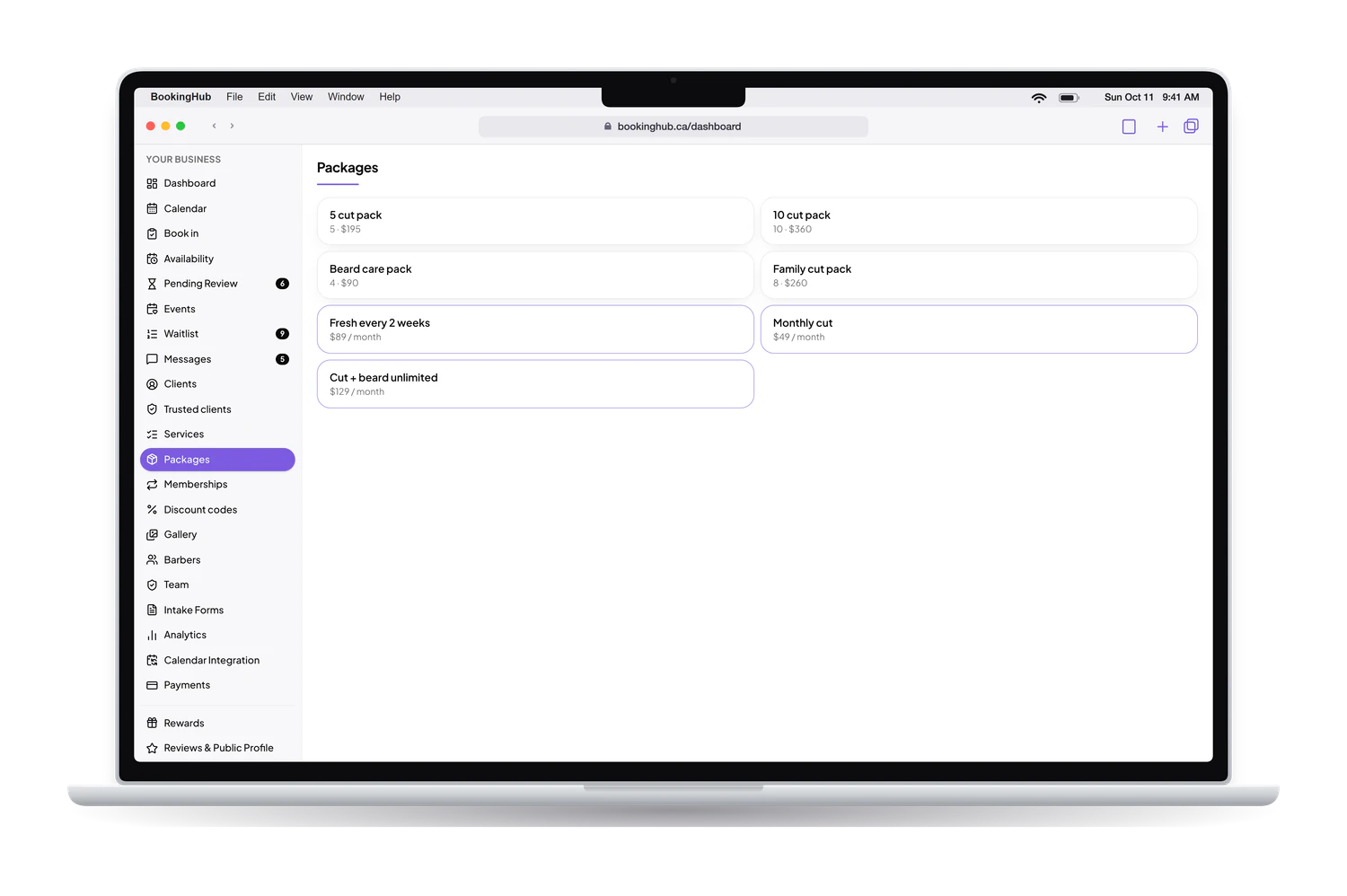
Some clients would rather pay once for a series of visits than pay every time. You can sell packages of prepaid sessions and memberships, offer discount codes, and run a points program that gives clients a reward at a threshold you set. Each one gives a regular a reason to keep coming back.
The money facts are short. Payments go to your own Stripe account, BookingHub keeps 1% of each online payment, and Stripe charges its own processing fees. Nothing else is added on top of that.
Setup
How to set it up in BookingHub
Connect Stripe
In Payments, connect your own Stripe account or create one. Stripe handles the card details, and what your clients pay online is paid into that account.
Choose what clients pay when they book
In Services, set the price of each service and choose whether clients pay in full or leave a deposit by card when they book. Services you want to keep simple can stay without online payment.
Add packages, memberships and codes
If you sell prepaid sessions or memberships, set them up as packages and memberships, and create discount codes for promotions. Turn on rewards if you want clients to earn points at each appointment.
Questions
Common questions
Where does the money go?
Into your own Stripe account. When a client pays a deposit or the full price at booking, the payment is made to that account. BookingHub keeps 1% of each online payment and Stripe charges its own processing fees. Payouts to your bank follow your Stripe account's schedule.
What does BookingHub take from payments?
BookingHub keeps 1% of each online payment. Stripe charges its own processing fees, as it does for any business that uses Stripe. Nothing else is added: those two are the only amounts taken from what your clients pay online.
Can I take a deposit instead of the full price?
Yes. You can ask for the full payment or for a deposit when the client books, by card. The deposit secures the time, and the rest of the price is settled the way you usually do it, at the appointment.
Do clients need a Stripe account?
No. Clients pay by card as part of booking on your page, the same way they would at any online checkout. Only your business needs a Stripe account, and you connect it once in Payments before taking your first online payment.
Can I sell packages or memberships?
Yes. You can sell packages of prepaid sessions and memberships, paid into your Stripe account, and create discount codes for promotions. If you turn on rewards, clients earn points at each appointment and get a reward when they reach the threshold you choose.
Run your bookings from one place
Create your account, add your services and share your booking page today. Free during early access.