
Feature
Intake forms clients fill in when they book
The start of many appointments goes to questions that could have been asked days earlier: allergies, the vehicle model, what the client wants done. With BookingHub the form is part of booking. You write the questions, attach the form to a service, and the answers are waiting on the booking before the client walks in.
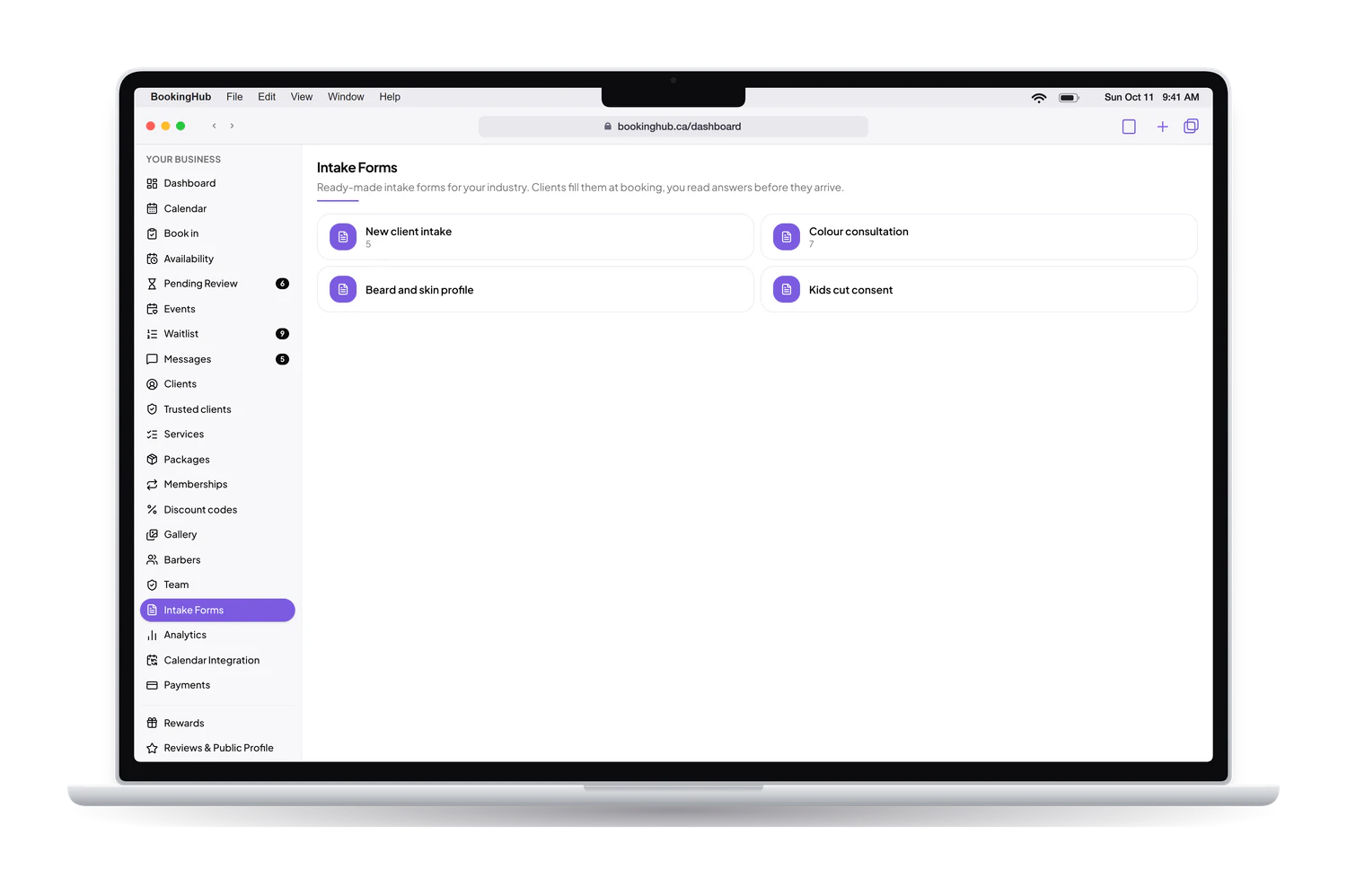
Intake forms
What it fixes
Paper forms in the waiting room
A clipboard at the counter means the client fills it in while the clock runs, and someone retypes it later or files it where nobody looks again. When the form is part of booking, the client answers at home, and the answers stay with that booking, where you will actually see them.
Answers you cannot use
An open text box gets you a paragraph when you needed a yes or no. Each question has its own type: short answer, long answer, multiple choice, checkboxes, yes or no, number or date. You can make any question required, so a booking never comes in without the one answer you needed.
One generic form for every service
The questions for a first consultation are not the questions for a quick follow-up. You attach a form to each service, so a client only answers what applies to what they booked. Start from a ready-made template if one fits, or build your own from a blank form.
Because clients fill in the whole form before signing in, a long form does not cost you the booking. Their answers are kept, signing in comes last, and the completed form arrives with the appointment.
Setup
How to set it up in BookingHub
Build the form
In Intake forms, start from a ready-made template or a blank form. Add your questions, choose the type of answer for each one, and mark the ones that must be answered.
Attach it to a service
In Services, open a service and pick the form it should use. Clients booking that service answer your questions as part of booking, before they confirm.
Read the answers
Open a booking to see the client's answers next to the service, date and time. You have what you need before the appointment starts.
Questions
Common questions
What kinds of questions can I ask?
Short answer, long answer, multiple choice, checkboxes, yes or no, number and date. You choose the type for each question and whether it is required. That covers most intake needs, from a simple contact sheet to a detailed questionnaire before a first visit.
When do clients fill in the form?
While they book, after picking the service and the time. They complete the whole form before the last step, signing in with Google or an email link, so nothing they typed is lost. The booking reaches you with the answers already attached.
Can I use a different form for each service?
Yes. You attach a form to a service, so each service can ask its own questions. A service with no form attached simply has no questions, which keeps quick bookings short for the clients who make them.
Are there ready-made forms?
Yes. BookingHub has ready-made templates you can use as they are or as a starting point. If none fits, build your own in Intake forms, with the questions and answer types that match how you work and what you need to know.
Where do I find a client's answers later?
On the booking itself. Open the appointment and the answers sit next to the service, date and time. Your clients list keeps each client's history of bookings too, so earlier answers are still there when that client comes back.
Run your bookings from one place
Create your account, add your services and share your booking page today. Free during early access.